
God’s word with you each day, and a note beneath it
Read one verse a day and write your devotional note under it. Look back after a few weeks and you will see yourself drawing closer to God.

Free to download · Plus US$29.99 a year, with a 7-day free trial
They are new every morning: great is thy faithfulness.Lamentations 3:23
Morning
Read it in the morning, still remember it at noon
Today’s verse is already set on a wallpaper. Make it your lock screen, and every time you pick up your phone, you read it again.
-
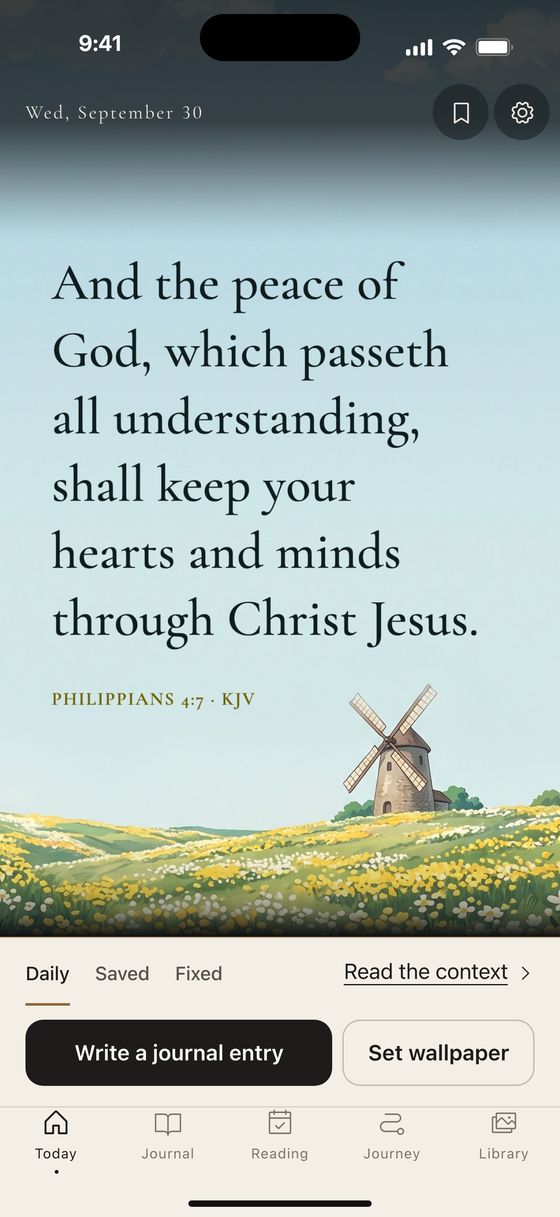
01
Today’s verse is already there
Set on today’s wallpaper. No sign-up.
-
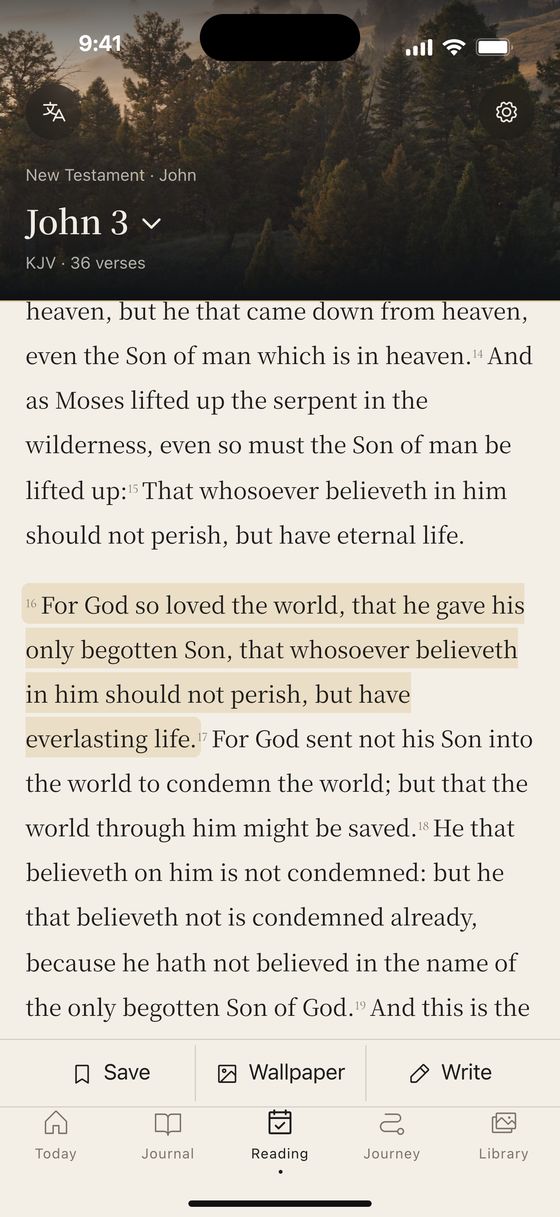
02
Write under the verse you’re reading
Tap a verse to start. One line is a whole entry.
-

03
Unlock at noon, it’s still there
iPhone saves a week at a time; Android changes it every day.
-
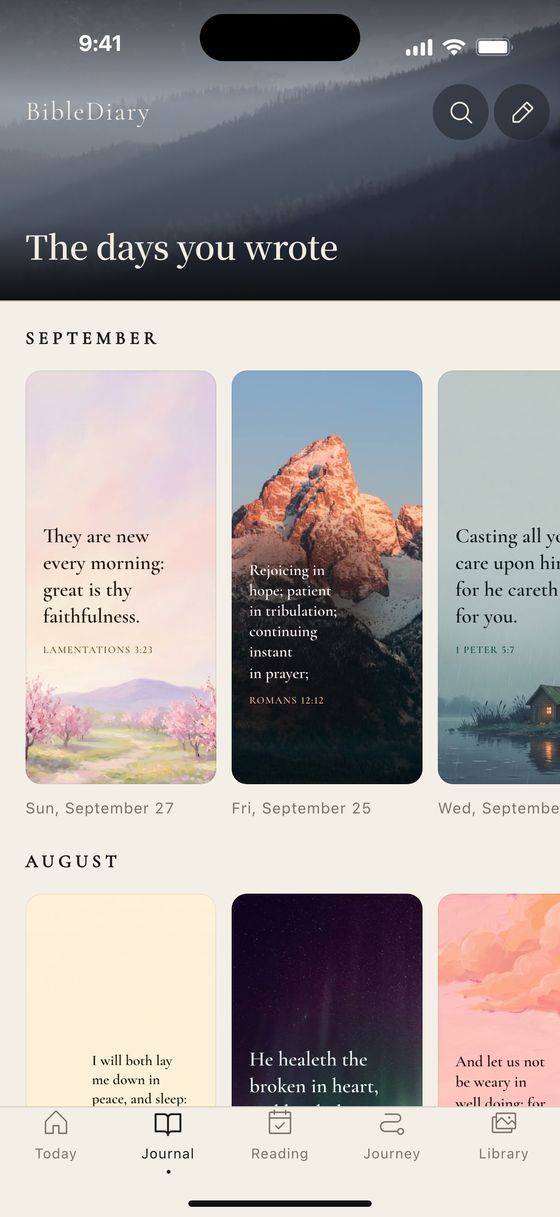
04
Next month, that day is still there
Each month is a row of small wallpapers: the day’s verse on the day’s picture.


- Fell asleep standing on the train, woke up right at my stop.
- The report came back. Lunch first.
- Saw the sunset by the sea on the way home. Thank you for today.
Lunch break
Pick a picture you like. The verse sets itself.
Where the verse sits and whether it’s set in dark or light ink: the picture decides. Tap one to try it. This is how the app makes a wallpaper.
Background
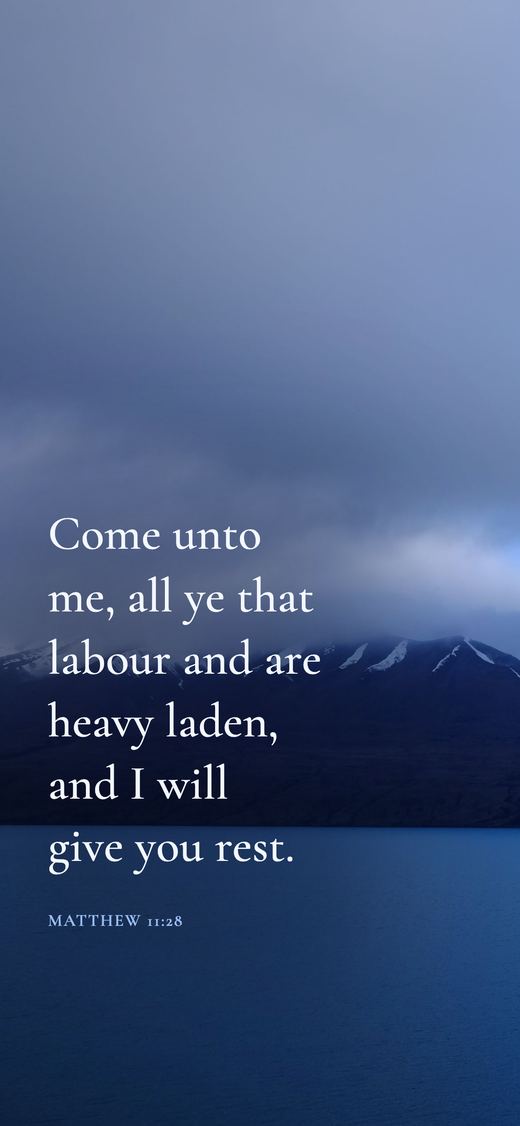
Lake under cloud · Photograph
On the way home
Every unlock, a new picture
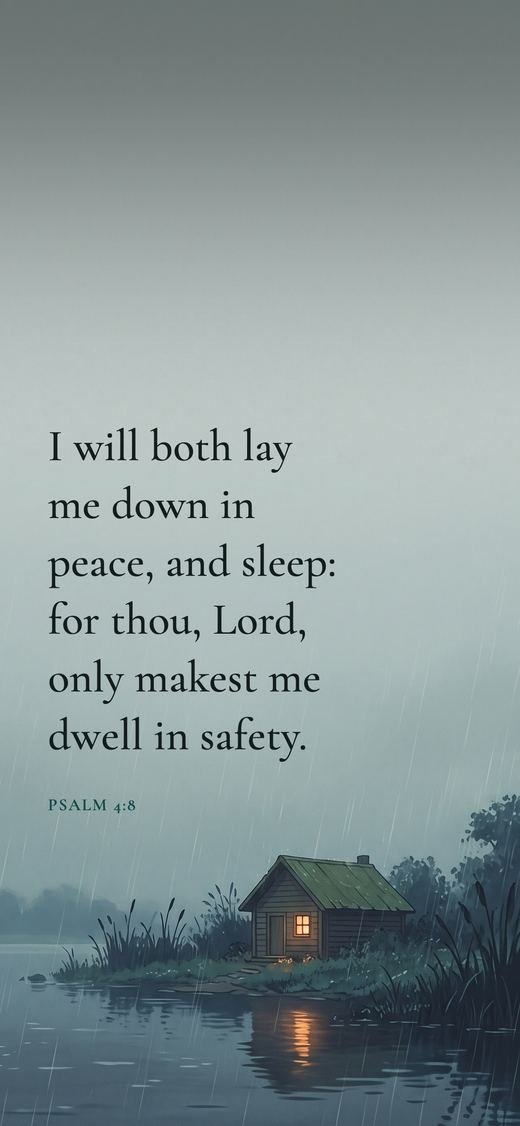
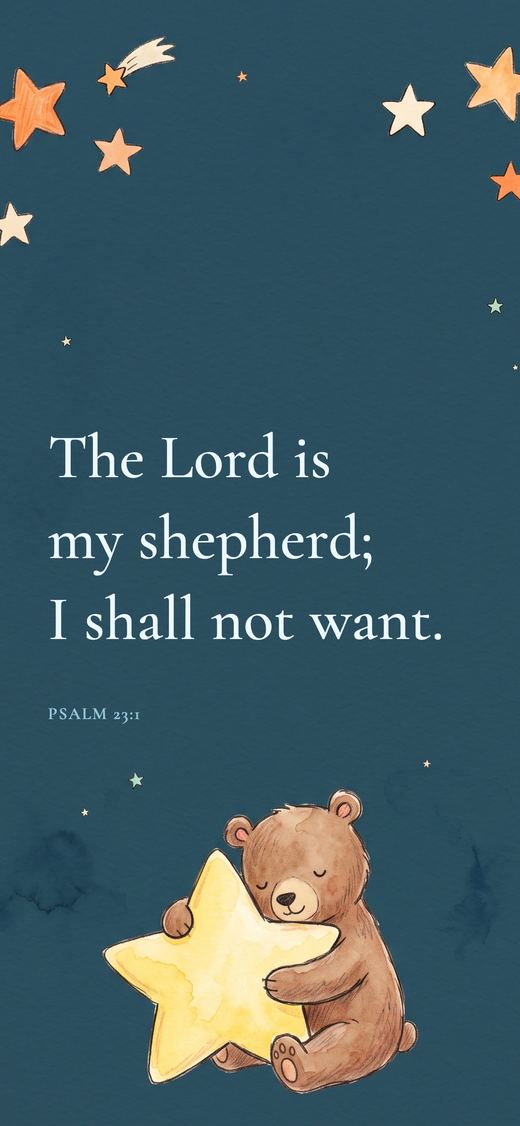
Photographs and illustrations, each with a verse. The type keeps clear of the clock and tries not to sit on the picture’s subject.
Evening
Your own photo holds a verse too
The window in the rain, the room where your child fell asleep, the sky on the way home. Pick one, and the type adjusts to the photo so a bright sky or a dark night still reads clearly.
Free
- Pick a photo from your library
- Pick a verse, or keep today’s
- Save it and set your lock screen

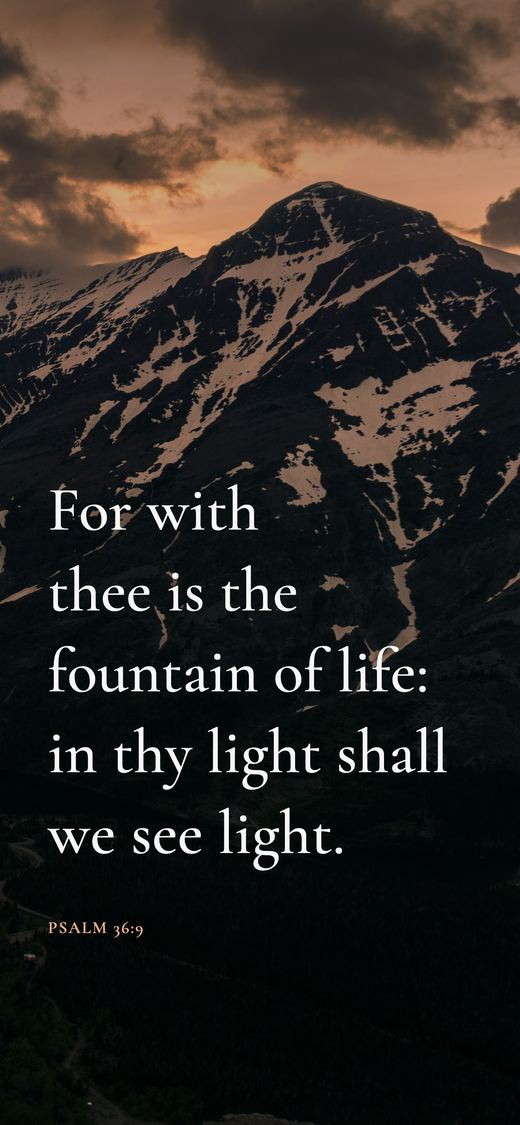
Your photoAs a wallpaper
Lights out
What you write stays on your phone
- No adsNo slots sold, and nothing pops up.
- No third-party trackingNo ad or analytics company’s code. Usage counts go only to biblediary.app’s own server.
- Entries encrypted on the phoneEncrypted from the first launch, nothing to switch on. With sync enabled, the cloud only ever holds ciphertext.
- Works without a connectionThe Bible, your journal and the free backgrounds are all on the phone, so airplane mode is fine.
Before bed
Free to use, with more when you want it
Start free: pick a verse wallpaper and save it whenever you like, and write and read as much as you want. When you want a new lock screen every day, every background and a book of your year, try Plus; the yearly plan starts with a 7-day free trial.


Free
US$0
- Pick a verse wallpaper and save it, in six Chinese or two English typefaces
Backgrounds: a selection of photographs and illustrations, and some from each month’s new series - Your own photos as wallpapers
- The daily verse as a notification, from 23 themes
- Journal, saved verses and reading plans, all of it
BibleDiary Plus
US$29.99a year, with a 7-day free trial
- A new lock screen every day
Android changes it for you; on iPhone the app prepares a week of wallpapers and iOS Photo Shuffle rotates them - Every background and each month’s new illustration series
Illustrations in nine painting styles, from watercolour to picture book - The Year book (PDF) for a year, a month or any dates you choose; the free version previews 6 pages
- Prefer not to commit for a year?
Monthly US$4.99 (no trial) or a one-time US$59.99
Still awake
Questions
How long can I use the free version?
For as long as you like, with no time limit. Picking a verse wallpaper and saving it, every typeface (six Chinese, two English), a selection of photographs and illustrations, your own photos as wallpapers, the daily verse notification, the journal and Bible reading are all free.
Is Plus a subscription? What does it include?
Plus has three plans: yearly at US$29.99 with a 7-day free trial, monthly at US$4.99 without a trial, and a one-time purchase at US$59.99. Prices in other regions are the ones the App Store or Google Play shows you. Yearly and monthly plans renew automatically unless you cancel; cancel at least 24 hours before the trial ends and you are not charged, in the subscription settings of the App Store or Google Play. Plus includes a new lock screen every day, every background and each month’s new illustration series, and the Year book (a PDF of a full year, a single month or a date range you choose; the free version previews 6 pages; digital only, with no printing). Saving a wallpaper you pick yourself, your own photos, a selection of backgrounds and every typeface are free. On a new phone, use Restore Purchases with the same Apple or Google account.
Can iPhone change the lock screen automatically every day?
A new lock screen every day is part of Plus. iOS does not let an app change the lock screen itself, so BibleDiary can save seven days of wallpapers at once to an album called BibleDiary Verses; choose Photo Shuffle for that album in Settings › Wallpaper and the system rotates them. On Android, turn on New lock screen daily in the app and the lock screen changes to each day’s verse on its own.
Do I have to write?
No. Today’s verse is there when you open the app, and you can save it as a wallpaper straight away. When you do write, the entry is kept under the verse you started from.
Are my entries uploaded?
No. Entries are encrypted on your phone and need no account. They are backed up only if you sign in and turn sync on, and the cloud only ever holds ciphertext; the encryption key is never uploaded. Photos and voice notes attached to entries are never uploaded.
Where does each day’s verse come from?
From 23 themes of 10 verses each, such as peace, worry, courage and hope. Follow one theme a verse a day, moving on to the next theme after its tenth verse, or take a different theme every day. Turn on the daily verse notification and the whole verse arrives at the time you choose.
Which translations does the app use?
The Chinese Union Version (Shen edition) in Chinese and the King James Version in English, both readable offline, and the reader can show the other translation under each verse. You can switch at any time in settings.
How do I take my entries to a new phone?
Export an encrypted backup in settings and import it on the new phone; photos and voice notes go with it. With sync on, sign in with the same account on the new phone and enter your recovery key, and your entries, saved verses and reading plans sync across. Photos and voice notes do not sync.

Wake up tomorrow, read this first
Set it tonight; it is there when you unlock in the morning.
Free to download · Plus US$29.99 a year, with a 7-day free trial